Written By: Ronnie Gonenc
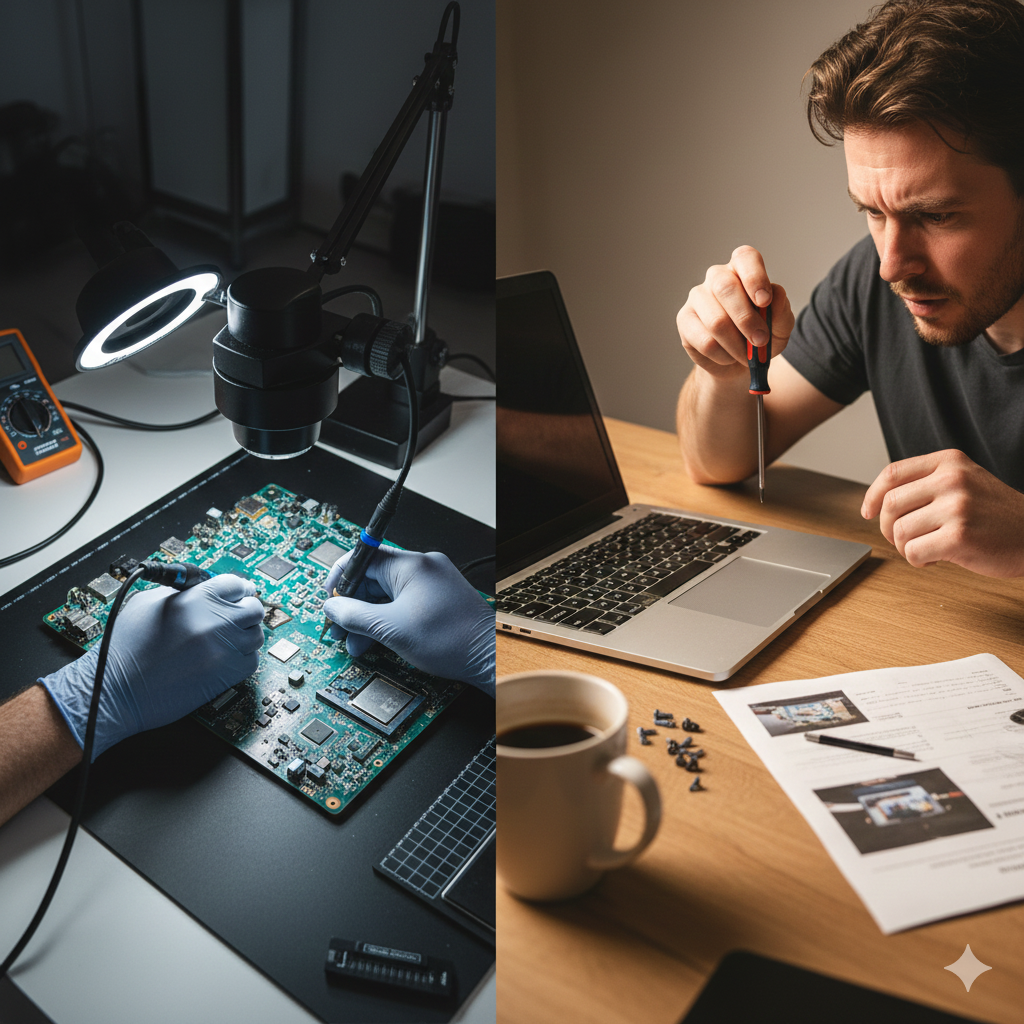
We’ve all been there: your computer starts acting sluggish, the “Blue Screen of Death” makes an appearance, or a glass of water takes a sudden tumble onto your keyboard. Your first instinct? Open YouTube, search for a tutorial, and grab a screwdriver. It looks easy on screen, but as anyone who has ever ended up with “extra screws” after a repair knows, the reality is far more complex.
In the world of tech, the line between a “quick fix” and a “total loss” is razor-thin. While DIY culture is booming, your computer—whether it’s a high-end gaming rig or a vital work laptop—is a sensitive piece of financial and personal infrastructure. This guide is designed to help you navigate that line. We’ll look at the actual costs of professional repair in 2025, the hidden risks of going solo, and exactly when you should put the tools down and let the experts at CT Fix Wireless take over.
Section 1: The Computer Repair Landscape in 2025
Computer technology has reached a point where components are more powerful—but also more proprietary and delicate—than ever before. In 2025, the average cost of a professional computer repair typically ranges from $88 to $220, depending on the complexity. While this might seem like a cost you’d want to avoid, compare it to the price of a new mid-range laptop, which now frequently starts at $1,200+.
The “Rule of Thumbs” for 2025:
- The Age Factor: If your device is under 4 years old, it is almost always worth repairing. If it’s over 7 years old and struggles with modern apps, it might be time to check out our buy/sell options.
- The 50% Rule: Industry experts generally agree: if a repair costs more than 50% of the price of a new, comparable machine, a replacement is the smarter financial move.
- The Data Value: Data is often more valuable than the hardware. According to recent data security reports, 16 billion passwords were leaked or compromised in 2025 alone. A botched DIY repair doesn’t just break a screen; it can expose your drive to corruption or permanent data loss.
Section 2: When Is It Safe to DIY?
Not every glitch requires a trip to the shop. There are several maintenance tasks that are perfectly safe (and encouraged) for a confident user to handle.
1. Software Maintenance & Optimization
If your computer is just “slow,” the problem is often digital, not physical.
- What you can do: Run malware scans, uninstall “bloatware,” and manage your startup programs.
- Risk Level: Low. As long as you aren’t deleting system files, you’re safe.
2. Basic Component Swaps (Desktops Only)
Desktop PCs are modular by design.
- What you can do: Upgrading RAM or adding a new SSD is usually a “plug-and-play” process.
- Risk Level: Moderate. You must ground yourself to avoid Electrostatic Discharge (ESD), which can fry a motherboard instantly.
3. Peripheral Replacements
- What you can do: Replacing a mouse, external keyboard, or a monitor cable.
- Risk Level: Zero.
Section 3: The Danger Zone—Why DIY Often Costs More
The temptation to save $100 on labor can lead to a $1,000 mistake. Here are the most common ways DIY goes wrong:
The Static Enemy (ESD)
You can’t see it, feel it, or smell it, but a tiny spark of static electricity from your fingertip can kill a semiconductor. Professional shops use anti-static mats and wrist straps; most home “technicians” work on carpets or wooden tables, unknowingly shortening the life of their components.
The “One Wrong Screw” Mistake
Modern laptops use dozens of screws of varying lengths. If you put a “long” screw into a “short” hole, you can pierce the motherboard or the battery. This is known as “Long Screw Damage,” and it is often unrepairable.
Accidental Data Loss
When you open a device to fix a hardware issue, you are centimeters away from the storage drive. One slip of a metal pry tool can scratch the drive or cause a short circuit that wipes your photos, tax returns, and work documents. At CT Fix Wireless, we prioritize data preservation above all else.
| Repair Type | DIY Difficulty | Risk to Data | Professional Recommendation |
| Virus Removal | Low | Low | DIY if you have good software |
| RAM Upgrade | Medium | Low | Safe for desktops; Pros for laptops |
| Screen Replacement | High | Moderate | Call the Pros |
| Water Damage | Extreme | High | Professional Only |
| Logic Board Repair | Extreme | High | Professional Only |
Section 4: When to Call CT Fix Wireless
There are specific scenarios where professional intervention isn’t just a convenience—it’s a necessity.
- Water or Liquid Damage: Time is your enemy. Corrosion starts the second liquid hits the board. We use ultrasonic cleaners and specialized chemicals to stop the rot before it’s too late.
- No Power / “Dead” Device: If your computer won’t turn on, it could be a power supply, a battery, or a logic board short. Our diagnostic testing identifies the root cause so you don’t waste money buying parts you don’t need.
- Laptop Screen & Hinge Repair: Laptops are incredibly cramped. Replacing a screen requires delicate routing of Wi-Fi antennas and camera cables. One wrong move and your “fixed” screen has no internet.
- Game Console Issues: From HDMI port replacements to overheating, consoles require high-heat soldering that home irons simply can’t handle.
Conclusion: Peace of Mind vs. The Headache
DIY is great for a hobby, but when your livelihood or your memories are on the line, professional repair is an investment in reliability. A professional repair comes with a warranty, expert diagnostics, and—most importantly—the assurance that your data is safe.
Before you start unscrewing that case, ask yourself: Is saving the labor fee worth the risk of losing the entire device? If the answer is no, we’re here to help. From iPhone repairs to complex tablet fixes, the team at CT Fix Wireless has the tools and the training to do it right the first time.
FAQs
Q1: Is it cheaper to repair or replace a laptop in 2025?
A1: It depends on the age. If the laptop is under 5 years old, a repair (usually $150–$300) is much cheaper than a new machine ($800–$1,500). If it’s over 7 years old, the hardware may be too slow for modern security updates.
Q2: Will opening my laptop void my warranty?
A2: In many cases, yes. Most manufacturers use “warranty void if removed” stickers. A certified technician can often perform repairs that maintain the integrity of your device.
Disclaimer
This content is for informational purposes only. Attempting hardware repairs can lead to electrical shock, fire, or permanent device damage. Always disconnect power sources before attempting any work and consult a professional for complex issues.