Written By: Ronnie Gonenc
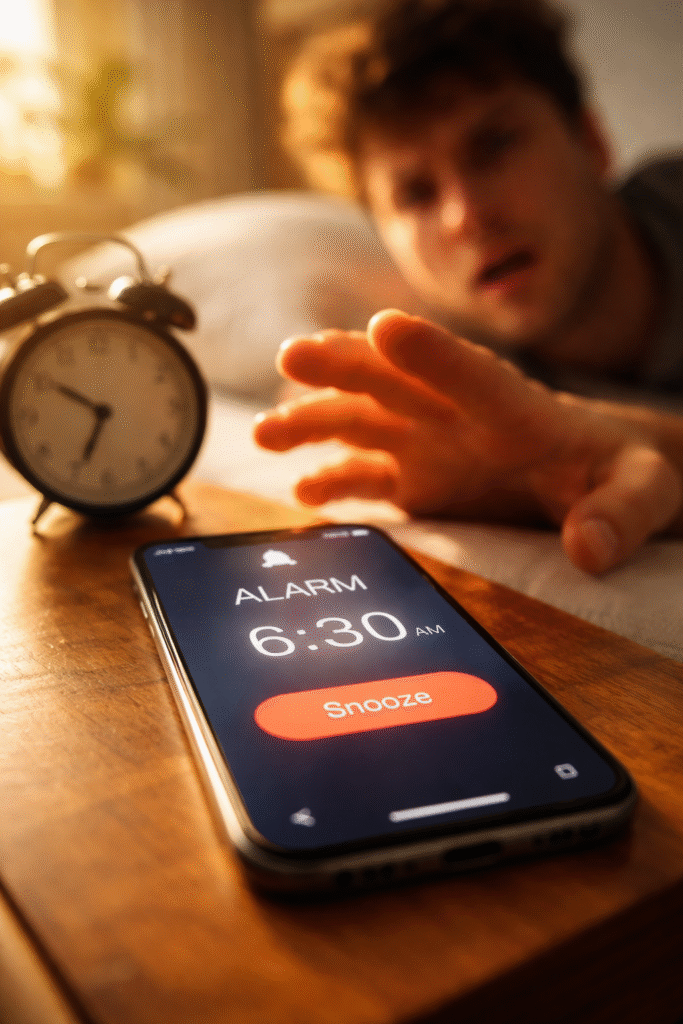
You set an alarm. It goes off with sound but no vibration. A text comes in — nothing buzzes. You toggle the ring/silent switch and feel absolutely zero feedback from the phone. The haptic engine went silent, and now your phone can’t get your attention unless you’re staring directly at the screen.
When your phone vibration stopped working, the instinct is to check the settings. And that’s the right first step — sometimes a toggle got switched accidentally or an update reset a preference. But if the settings check out and the motor still won’t fire, the problem lives deeper. Either in the software stack managing haptic feedback, or in the physical vibration motor itself.
At Fix Wireless in Connecticut, haptic engine failures rank among our steadiest repair requests. They show up across every brand — iPhones, Samsungs, Pixels, Motorolas. The fix ranges from a 30-second settings adjustment to a full motor replacement. This guide helps you figure out which one you’re dealing with before you spend a dime.
Section 1: How Your Phone’s Vibration System Actually Works
The Evolution From Spinning Motors to Linear Actuators
Older phones used a tiny eccentric rotating mass (ERM) motor — basically a small weight on an off-center shaft that spins to create vibration. These motors produced a generic buzz. They wore out predictably, usually after two to three years.
Modern flagships use a linear resonant actuator (LRA), often called a “Taptic Engine” by Apple or “haptic motor” by Android manufacturers. Instead of spinning, the LRA drives a small mass back and forth along a track using electromagnetic force. This produces the sharp, precise taps you feel during typing, notifications, and system feedback.
LRAs deliver much better haptic quality. But they also fail differently than the old spinning motors. Understanding that difference matters for diagnosis.
Why Haptic Engines Fail
Several factors cause vibration failure. Some involve no physical damage at all:
- Software misconfiguration. A system update, accessibility setting, or Do Not Disturb mode can silently disable haptic feedback. The motor works fine — the phone just stopped telling it to fire.
- Firmware corruption. The low-level software that controls the haptic driver can corrupt after a failed update or unexpected shutdown. The motor receives garbled instructions and stays silent.
- Loose flex cable connection. The haptic motor connects to the logic board through a small flex cable. A drop, rough handling, or even a previous screen repair can partially unseat this connector. The motor loses its signal intermittently or completely.
- Worn-out actuator coil. After thousands of hours of micro-vibrations, the electromagnetic coil inside the LRA degrades. It produces weaker output, then stops entirely. Heavy users — gamers, constant texters — hit this threshold sooner.
- Water or moisture damage. Liquid exposure corrodes the motor’s internal contacts and coil. Vibration weakens progressively before dying completely. If your phone encountered any moisture, even humidity or condensation, this is a likely contributor.
Section 2: Software Troubleshooting — Fix It Yourself Before Assuming Hardware
Work through these steps in order. Each one targets a specific software cause.
Step 1: Check Vibration Settings
On iPhone, go to Settings > Sounds & Haptics. Confirm “System Haptics” is toggled on. Also check that the vibration patterns under Ringtone and Text Tone aren’t set to “None.” On Android, go to Settings > Sound & Vibration. Verify “Vibration intensity” sliders aren’t set to zero for calls, notifications, and touch feedback.
Step 2: Check Do Not Disturb and Focus Modes
Both iPhone and Android have focus modes that can suppress vibration without muting sound. On iPhone, check Settings > Focus. On Android, check Settings > Do Not Disturb. Make sure no active mode suppresses vibration alerts.
Step 3: Test With a Different App
Open the Clock app and set a quick alarm with vibration. Or dial your own number from another phone. If vibration works for the alarm but not for texts, a specific app’s notification settings overrode the system vibration. Check that app’s individual notification preferences.
Step 4: Restart and Update
Power the phone off completely. Wait 10 seconds. Turn it back on. Then check for pending system updates. Both Apple and Google have patched haptic driver bugs through firmware updates in the past. A restart re-initializes the motor driver. An update may fix a known bug affecting your device model.
Step 5: Reset All Settings
On iPhone: Settings > General > Transfer or Reset iPhone > Reset > Reset All Settings. On Android: Settings > System > Reset Options > Reset All Settings. This resets sound, display, and network configurations to factory defaults without erasing your data. It clears any corrupted preference file that might block haptic feedback.
If vibration returns after any of these steps, the problem was software. Monitor it for a few days to make sure it holds. If vibration stays dead through all five steps, the issue lives in the hardware.
Section 3: Hardware Failures — What Breaks Inside and What Repair Involves
Diagnosing the Physical Problem
Once software causes get ruled out, three hardware scenarios cover nearly every case we see at our New Haven and Hamden locations.
Disconnected haptic motor flex cable. The small ribbon cable between the motor and the logic board popped loose. This often happens after a drop. It also occurs when a prior repair at another shop disturbed the connection without reseating it properly. The fix takes minutes — our technician opens the phone, reseats the cable, and tests the motor. If the motor fires correctly, the repair costs almost nothing.
Failed haptic motor (dead actuator). The electromagnetic coil inside the LRA burned out or mechanically failed. The motor receives the signal but can’t produce movement. Replacement involves removing the old motor and installing a new OEM-quality unit. For iPhones, this is a standard same-day repair. For Samsung and other Android devices, the process is similar though motor location varies by model.
Corrosion from liquid exposure. Moisture reached the motor or its connector and corroded the contact points. The motor may partially work — producing weak, inconsistent vibrations — before failing entirely. Repair involves cleaning the corrosion, testing the motor’s viability, and replacing it if the coil sustained permanent damage. If you suspect your phone encountered liquid, acting fast matters. The longer corrosion sits, the more components it affects beyond just the haptic motor.
Vibration Problems Connected to Other Failures
Sometimes a dead haptic engine signals a broader issue. We’ve seen phones where the vibration motor shares a flex cable or power rail with another component. A failure in one affects the other.
For example, on certain iPhone models, the Taptic Engine connects near the same area as the barometric vent and lower speaker. Damage to this zone can affect vibration, call audio, and water resistance simultaneously. If your phone lost vibration AND developed sound problems during calls, both issues may share a single root cause.
Similarly, a logic board issue affecting the haptic driver IC on the motherboard can kill vibration while leaving everything else functional. This requires board-level diagnosis rather than a simple motor swap.
Getting Your Phone Diagnosed
You can get a quick estimate through the Fix Wireless instant quote tool before visiting. Our common repair questions and device repair FAQs cover warranty details and what to expect during the process. Walk-ins are always welcome at both Connecticut locations.
Section 4: Conclusion and Final Thoughts
A phone that lost its vibration feels surprisingly crippled. Alarms don’t wake you up. Notifications slip by unnoticed. The subtle haptic feedback during typing — the kind you never thought about until it disappeared — leaves every keystroke feeling hollow and imprecise.
Start with software. Check your settings, restart, update, and reset preferences. These steps solve a meaningful percentage of cases without any repair cost. But if the vibration stays dead after a full software troubleshooting pass, the haptic motor or its connection needs professional attention.
The repair itself ranks among the simpler ones in phone repair. A flex cable reseat takes minutes. A motor replacement finishes same-day for most models. Even corrosion cleanup, while more involved, resolves in a single appointment when caught early.
Don’t ignore a dead haptic engine and adapt around it. Vibration serves a real functional purpose — especially for alarms, emergency alerts, and accessibility features. And if the failure stems from liquid damage or a loose connection, delaying repair gives the underlying problem time to spread to neighboring components.
If your phone vibration stopped working and the settings check out, bring it to either Fix Wireless location in Connecticut. We’ll diagnose the exact cause — software, cable, motor, or board — and give you clear, honest options. Every repair comes with our standard warranty, and most haptic motor fixes finish before you leave the shop.
FAQs
Vibration Troubleshooting Questions
Why does my phone vibrate for calls but not for texts?
Each app manages its own notification vibration setting independently. Open the messaging app’s notification settings and verify vibration is enabled. Also check that the app isn’t using a custom notification channel (on Android) with vibration turned off.
Can a phone case block vibration?
Not entirely, but thick rugged cases dampen the vibration so much that you barely feel it. Try removing the case and testing. If vibration feels strong without the case but weak with it, the case is absorbing the motor’s output. Switching to a thinner case solves this.
My phone vibrates but very weakly — is the motor dying?
Likely yes. A weakening vibration pattern signals a motor approaching end-of-life. The electromagnetic coil loses strength gradually. Replacement restores full haptic intensity. Don’t wait until it dies completely — weak vibration means the motor is already stressed.
Repair Questions
How much does a haptic motor replacement cost?
It varies by phone model. Get an exact number through our instant quote tool. Most haptic motor replacements cost far less than people expect — significantly cheaper than replacing the phone.
Does Fix Wireless repair vibration on all phone brands?
Yes. We handle haptic engine repairs on iPhones, Samsung Galaxy devices, Google Pixels, Motorolas, and other smartphone brands. We also repair vibration issues on tablets and game controllers that use similar motor technology.
Could a previous screen repair have caused my vibration to stop?
Absolutely. The haptic motor sits near the display assembly in many phone models. A screen replacement at another shop may have disturbed the motor’s flex cable or accidentally damaged the motor itself during disassembly. If vibration stopped working around the same time as a prior repair, the two are almost certainly connected. Bring it to our New Haven or Hamden location and we’ll inspect the connection.