Written by: Ronnie Gonenc
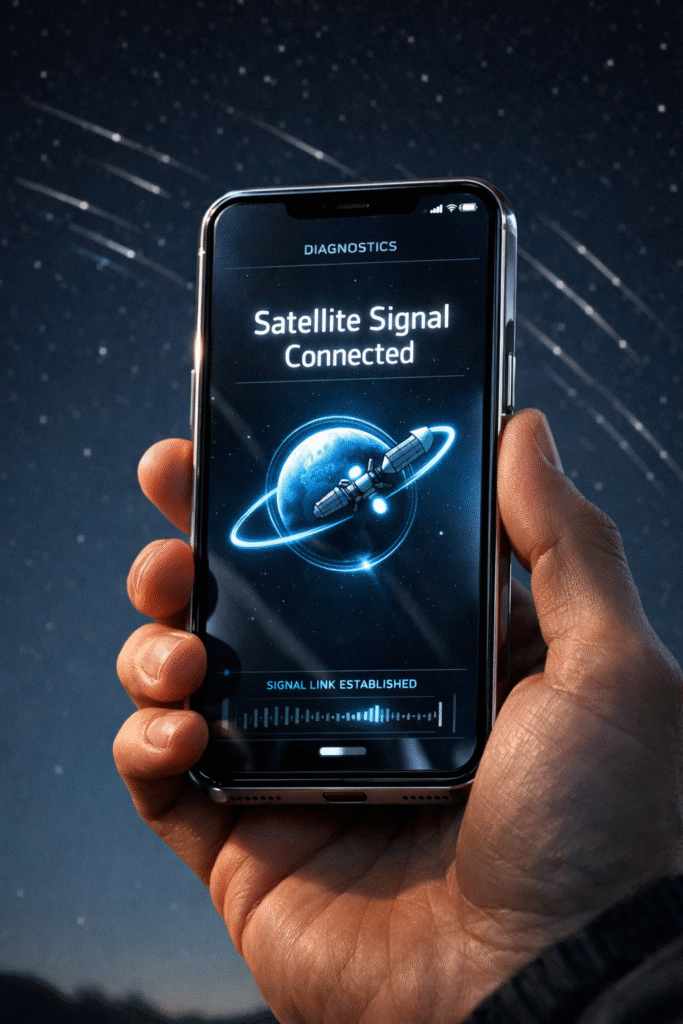
There is nothing more frustrating than looking at your brand-new 2026 flagship device only to see a “No Service” message or a hanging satellite SOS icon when you’re miles away from a Wi-Fi router. As mobile technology integrates non-terrestrial networks (NTN) more deeply into our daily lives, the complexity of our hardware increases. Having spent years in the trenches of device repair, I’ve seen how a simple software handshake failure can make a $1,200 phone feel like a paperweight.
In this guide, I’ll walk you through the precise steps to reset 2026 smartphone satellite modem components and 5G configurations. The goal here is a “soft” logic reset—fixing the signal without wiping your photos, messages, or apps. Because this involves critical communication hardware, we prioritize accuracy and manufacturer-recommended sequences to ensure your device stays functional and secure.
Section 1: Understanding the 2026 Connectivity Stack
The latest generation of smartphones doesn’t just rely on local cell towers; they use a sophisticated handoff system between high-frequency 5G bands and low-earth orbit (LEO) satellites. When your connectivity drops, it is rarely a total hardware failure. Instead, it’s usually a “state-table” error where the modem is stuck searching for a satellite that has already passed over the horizon.
According to technical standards from the 3GPP, the integration of satellite-to-cell features requires a specific authentication token that can sometimes expire or glitch. Understanding that your phone is essentially a two-way radio helps take the mystery out of why a manual reset is occasionally necessary. Before you assume the worst, a targeted refresh of these network credentials can often solve the problem in under two minutes.
Section 2: Step-by-Step Manual Reset Procedures
If you find yourself stuck without a signal, follow these steps in order. We want to start with the least intrusive methods first to preserve your settings.
The “Triple Toggle” Method
This isn’t just turning Airplane Mode on and off. For 2026 models, you need to cycle the specific NTN (Non-Terrestrial Network) toggle found in your Connection Settings.
- Open Settings > Connections > Mobile Networks.
- Locate the Satellite Communication toggle.
- Turn it off, wait 30 seconds, and turn it back on. This forces the modem to re-scan the sky for the nearest active satellite constellation.
Resetting Network Settings
If a toggle doesn’t work, a deeper logic reset is required. You can contact us if the menus look different on your specific model, but generally, you’ll navigate to General Management > Reset > Reset Network Settings.
- Note: This will remove saved Wi-Fi passwords and Bluetooth pairings, but it is the single most effective way to clear a “stuck” 5G or satellite modem cache.
Forcing a Modem Re-Initialization
For persistent 5G drops, we often recommend a physical “re-seat” of the logic. Even with eSIM technology becoming standard, most 2026 devices still maintain a physical or digital partition for identity modules. Restarting the phone while in an open-sky environment allows the GPS and modem to sync time-stamps simultaneously, which is critical for satellite positioning.
Section 3: Professional Recommendations and Best Practices
While manual resets fix 90% of software-related signal issues, hardware damage is a different story. If you’ve recently dropped your phone and notice the “Searching…” text never disappears, you might be looking at a dislodged internal antenna flex cable. In these cases, software tweaks won’t help.
If your 5G is working but the satellite features remain grayed out, check your service provider’s active “Emergency SOS” or “Remote Messaging” subscription status. Many 2026 data plans require these to be provisioned at the account level. For those dealing with physical damage or more complex internal issues, our smartphone repairs team can run a diagnostic on the RF (Radio Frequency) chips to see if the modem itself has failed.
Section 4: Conclusion and Final Thoughts
Technology in 2026 has made us more connected than ever, but that connectivity relies on a delicate balance of software and hardware. Being able to reset 2026 smartphone satellite modem settings yourself is an essential skill for the modern user. It saves time, reduces stress during travel, and ensures you aren’t left stranded when you need a signal most.
If you’ve tried these steps and you’re still seeing a “dead” device, don’t keep hammering at the software. Sometimes the best move is to let a professional look under the hood. You can read more about us and our history with high-end tech to see why we’re the trusted choice for complex mobile issues.
FAQs
Will resetting my modem delete my photos?
No. Following the “Reset Network Settings” or “Toggle” methods only clears connection data like Wi-Fi passwords and Bluetooth pairings. Your personal files remain untouched.
Why does my 5G work but my Satellite SOS doesn’t?
Satellite connectivity requires a clear line of sight to the sky. If you are indoors or under heavy tree cover, the modem may fail to initialize even after a reset.
Is it worth fixing an older model if the modem fails?
It depends on the device’s overall health. You can get an instant quote to see the repair cost versus the current value of your phone before deciding to buy or sell a replacement.
Disclaimer: This guide is for informational purposes only. While resetting network settings is a standard troubleshooting step, always ensure your device is backed up. If you are unsure about performing these steps, consult a professional technician to avoid accidental setting changes.