Written By: Ronnie Gonenc
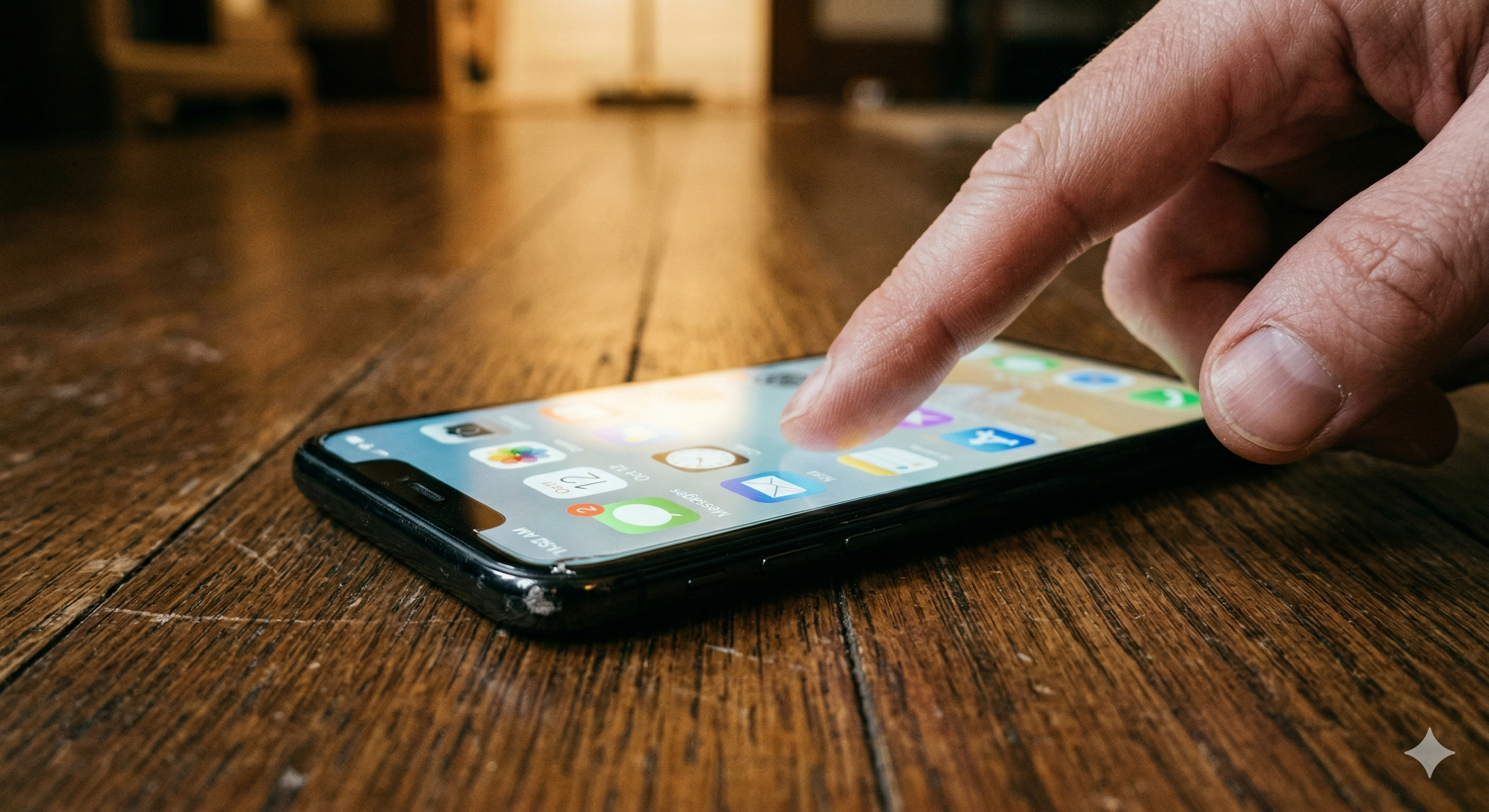
You dropped your phone. It hit the ground, you picked it up, and the screen lights up just fine. You can see your notifications, your wallpaper — everything looks normal. But when you try to swipe, tap, or type… nothing. The display works, but the touch is dead. It’s confusing because the screen looks perfect yet ignores every finger.
When your phone screen won’t respond to touch after a drop, the damage almost always hides beneath the surface. The glass might not show a single crack. But inside, something shifted or disconnected at a microscopic level. Now the layer that detects your touch no longer talks to the rest of the phone.
At Fix Wireless, we diagnose this exact issue several times a week. We see it across iPhones, Samsungs, Pixels, and just about every other brand. This guide explains what’s going on inside your device. It covers what you can try at home and when you need a professional repair.
Section 1: What’s Actually Broken When the Screen Displays but Touch Doesn’t Work
Understanding the Digitizer — the Invisible Layer You Never Think About
Your phone’s display isn’t one single piece of technology. It’s a stack of layers working together. The part you see — showing images, colors, and text — is the LCD or OLED panel. But sitting on top of that panel is a separate component called the digitizer.
The digitizer senses your touch. It uses a grid of microscopic sensors that detect the electrical charge from your fingertip. Those sensors translate your taps into coordinates that the processor understands.
A hard impact can crack the digitizer, disconnect it from the display, or break its link to the logic board. Meanwhile, the display panel underneath keeps working fine. That’s why you get a screen that looks perfect but ignores every tap and swipe.
The Most Common Types of Internal Damage After a Drop
Not every drop causes the same failure. Here’s what we typically find at our New Haven and Hamden locations:
- Hairline digitizer fracture. The top glass might look flawless. But the digitizer layer underneath can develop micro-cracks from impact shock. These invisible fractures break the sensor grid. They kill touch input in certain zones — or across the entire screen.
- Loose display flex cable. The digitizer connects to the logic board through a thin ribbon cable. A solid drop can partially unseat that connector. This cuts off communication between the touch layer and the processor. Reseating the cable often restores full touch without replacing any parts.
- Damaged Screen IC (touch controller chip). A small chip on the logic board — the Screen IC — interprets signals from the digitizer. Impact shock can crack a solder joint under this chip. Once the Screen IC fails, touch stops working entirely. Our post on touch response failures and Screen IC issues covers this repair in detail.
- Frame deformation pressing on the display. Sometimes the phone’s frame bends slightly from impact. That subtle bend puts constant pressure on the display assembly. It interferes with digitizer accuracy. Touch might work in some areas but not others.
Section 2: What You Can Try at Home Before Heading to a Repair Shop
A drop strongly suggests physical damage. But spend a few minutes ruling out software issues first. Sometimes the impact triggers a system glitch that mimics hardware failure. You can often resolve these without opening the phone.
Force Restart the Phone
This is always step one. A force restart clears temporary system errors and re-initializes the touch drivers.
On iPhone (Face ID models): press and release Volume Up, then Volume Down, then hold the Side button until the Apple logo shows. On Samsung and most Android phones: hold Power + Volume Down together for 10 to 15 seconds. Wait for the vibration and restart.
If touch comes back, the drop likely caused a software crash. Monitor it over the next few days though. If touch fails again, the digitizer connection is likely compromised.
Remove the Case and Screen Protector
This sounds too simple, but we’ve seen it dozens of times. A drop can shift a thick case or tempered glass protector. Even a small shift puts uneven pressure on the display edges. That stops the digitizer from registering touch. Pull everything off and test the bare screen.
If touch returns without the case, the case caused the problem. If you’ve noticed ghost touches or phantom taps, uneven accessory pressure is a surprisingly common cause.
Boot Into Safe Mode (Android Only)
Hold the power button, then long-press “Power Off” until Safe Mode appears. This disables all third-party apps. If touch works perfectly here, a downloaded app was interfering with the touch driver. Uninstall recently added apps one by one until normal behavior returns.
Connect an External Mouse via OTG
This won’t fix the touch screen. But it can save your data. Plug a regular computer mouse into a USB-C OTG adapter. A cursor appears on screen. You can navigate, back up files, or adjust settings before repair.
On iPhone, enable a Bluetooth mouse through Settings > Accessibility > Touch > AssistiveTouch. You’ll need to reach settings through Siri first.
Securing your data before any repair is always smart. If you’re comparing repair costs to replacement costs, our buy and sell program lets you trade in damaged devices for credit.
Section 3: Professional Repair — What Actually Happens and What to Expect
Why DIY Screen Repair Is Risky for Touch-Specific Failures
Plenty of online tutorials make screen replacement look easy. For a simple cracked glass swap, experienced DIYers can sometimes manage. But touch failure after a drop demands more nuance. The fault might sit in the digitizer, the flex cable, the Screen IC, or the frame. You won’t know which until a technician opens the phone and tests each part.
Swapping the screen when the real culprit is a loose flex connector wastes money. Worse, prying open a phone without proper tools can puncture the battery or tear other cables. That’s how a $70 repair turns into a $250 one.
What a Professional Diagnostic Involves
At Fix Wireless, our technicians test the display flex cable first. Reseating it takes minutes and costs nothing if that solves it. Next, we test with a known-good replacement screen. This tells us whether the touch layer itself has physical damage.
If both the cable and digitizer check out, we inspect the logic board for Screen IC failures. We look for cracked solder joints and chip damage. This layered approach means you only pay for the actual broken part.
Typical Repairs and Timeframes
Here’s a realistic look at what most cases involve:
Flex cable reseat: The connector popped loose from impact. Our tech opens the phone, reseats the cable, tests it, and closes it up. Done within 30 minutes. Minimal cost.
Digitizer or full screen replacement: The touch layer has physical damage and needs a new display assembly. For iPhones, this ranks among our most common repairs. For Samsung and other Android devices, the process is similar. Adhesive removal adds extra time. We typically finish same-day.
Screen IC repair (micro-soldering): Our technician removes the touch controller chip, re-balls it, and resolders it under a microscope. This avoids a full screen replacement when the screen itself works fine. It requires specialized equipment and trained hands.
The FCC’s consumer guide also recommends professional diagnosis over guesswork after physical impact.
For a quick price estimate, the Fix Wireless instant quote tool gives you numbers in seconds. Our device repair FAQs and common repair questions page cover warranty info and the repair process.
Section 4: Conclusion and Final Thoughts
A phone screen that turns on but won’t respond to touch after a drop looks deceptively simple. The screen works. No visible crack. Everything seems fine — except the one thing that makes a smartphone usable.
Most of the time, the digitizer or its connection to the logic board took the hit. Sometimes a loose cable just needs reseating. Other times the touch layer fractured beneath the glass. Or the Screen IC lost a solder joint during impact. Each scenario calls for a different fix. Only proper diagnosis reveals which one applies.
Try the quick steps first. Force restart. Strip the case and screen protector. Boot into Safe Mode on Android. These take minutes. They occasionally reveal a software cause. But if touch stays dead after those attempts, the damage is physical. No amount of restarting will fix it.
Most repairs finish faster and cost less than people expect. Don’t write off a $1,000 phone over a component that costs a fraction of that. And don’t wait too long. A partially connected flex cable worsens over time. A stressed Screen IC can eventually take the display with it.
If you’re in Connecticut, bring it to either Fix Wireless location for a proper diagnosis. We identify exactly what’s wrong before any work begins. No guessing. No unnecessary parts. Just the fix your phone actually needs.
FAQs
Common Questions About Touch Failure After a Drop
Why does my screen still display perfectly if the touch layer failed? The display and touch sensor are separate layers. The LCD or OLED panel handles visuals. The digitizer handles touch. A drop can damage the digitizer while leaving the display intact. Think of a window with a broken lock. You can still see through it, but the mechanism no longer works.
Can a screen protector cause touch to stop working after a drop? Yes. If the impact shifted the protector or lifted it at the edges, that creates air gaps. Uneven pressure disrupts the digitizer. Remove the protector entirely and test. If touch returns, replace it with a fresh one that sits flush.
Will a factory reset fix touch that stopped working after a drop? Almost certainly not. A factory reset targets software problems. If touch died right after physical impact, the cause is hardware. A reset would erase your data without solving anything. Try a force restart first. If that fails, the phone needs physical repair.
Repair and Cost Questions
Should I repair the touch, or just buy a new phone?
For most devices, repair makes financial sense. A screen or digitizer replacement costs far less than a new phone. Even Screen IC micro-soldering — the most involved option — still comes in much cheaper. Buying new only makes sense if the phone already had multiple problems before the drop.
My touch works in some areas but not others — what does that mean?
This points to a partial digitizer fracture. The sensor grid cracked in certain zones. Touch registers where the grid remains intact and fails where it broke. A slightly bent frame can also cause this by pressing on part of the display. Either way, it needs professional attention. This damage spreads over time with daily use.