Written by:
Ronnie Gonenc
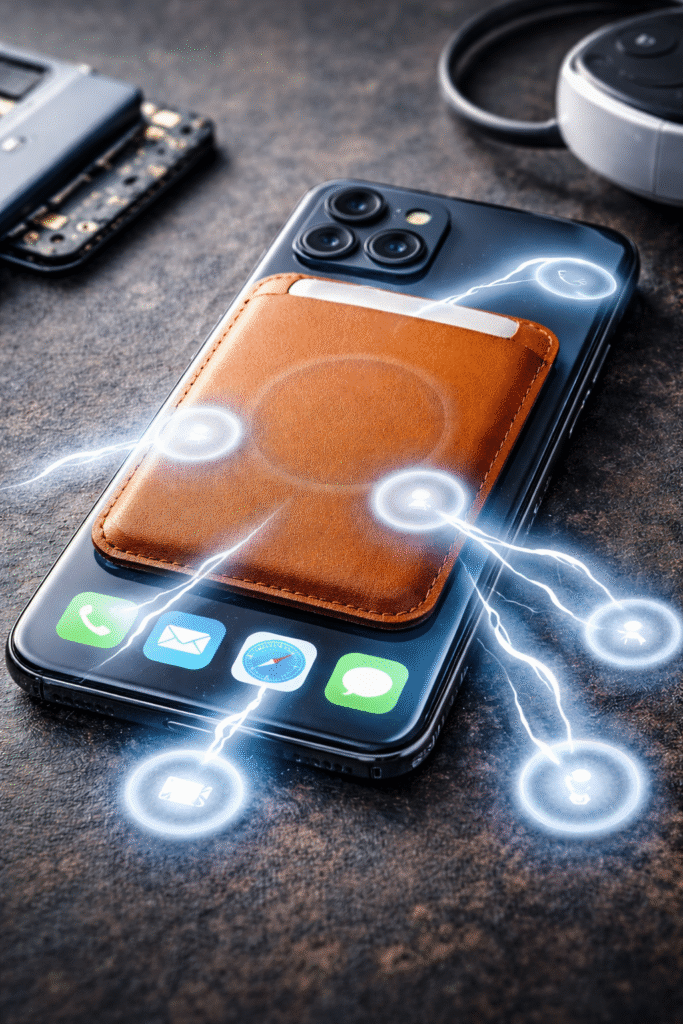
If your phone has ever started tapping, scrolling, or opening apps all on its own, you’re not imagining things—and you’re definitely not alone. Over the past year, we’ve seen a sharp rise in customers walking into our repair shop convinced their screen is “possessed.”
In many of these cases, the culprit isn’t a bad screen or software glitch. It’s magnetic accessories. As MagSafe wallets, mounts, chargers, and battery packs become everyday add-ons, we’re seeing more real-world cases of magnetic interference triggering ghost touch issues. This article breaks down what’s actually happening, why it matters, and what you can do about it—based on hands-on repair experience, not speculation.
Section 1: What Is MagSafe Screen Interference?
MagSafe screen interference happens when strong or poorly aligned magnets disrupt how your phone’s touchscreen registers input. Modern smartphones rely on capacitive touch technology, which detects tiny electrical changes caused by your fingers. External magnetic fields—especially when placed directly behind the display—can distort those signals.
Apple and accessory manufacturers design MagSafe to be safe within specifications, but real-world usage isn’t always ideal. Thick cases, third-party accessories, metal plates, or misaligned magnetic mounts can create uneven pressure or electromagnetic interference. According to industry testing referenced by mobile hardware engineers, inconsistent magnetic fields can affect touch accuracy, especially near screen edges.
This is why many ghost-touch cases resolve instantly when accessories are removed—no repair needed.
Section 2: How Magnetic Accessories Trigger Ghost Touch Issues
Wallets and Card Holders
Magnetic wallets are one of the most common offenders. When cards, metal shielding, and magnets stack together, they create localized pressure points. We’ve seen phones sent in for screen repair that worked perfectly the moment the wallet was removed.
Car Mounts and Desk Stands
Magnetic mounts apply constant force to one area of the phone. Over time, this can subtly warp the display assembly or interfere with digitizer sensitivity—especially on larger phones.
Wireless Chargers with Strong Alignment Rings
Some third-party chargers exceed recommended magnetic strength or lack proper shielding. This can lead users to believe they need an iPhone repair when the issue is actually external.
Cheap or Uncertified Accessories
Low-quality magnets are often poorly balanced and unregulated. We frequently identify these during diagnostics for Android and Samsung repair visits involving phantom touches.
Section 3: Practical Steps to Fix or Prevent Ghost Clicking
- Remove all magnetic accessories immediately and test the phone bare for 24 hours
- Restart the device to rule out temporary software conflicts
- Check for screen protectors lifting or bubbling, which can amplify pressure issues
- Avoid stacking MagSafe accessories (wallet + battery pack + case)
- Use manufacturer-certified accessories whenever possible
If ghost touches continue without accessories attached, it’s time for a professional inspection. A trained technician can determine whether the issue is digitizer damage, pressure distortion, or internal component failure. Scheduling a diagnostic with a trusted cell phone repair service prevents unnecessary screen replacements.
Section 4: Conclusion and Final Thoughts
MagSafe and magnetic accessories are incredibly convenient—but they’re not always harmless. Ghost clicking is often the phone’s way of telling you something external is interfering with how it senses touch.
Before assuming the worst or spending money on a new device, strip the phone down to basics and test it properly. In many cases, the fix is as simple as changing accessories. And when it’s not, having a repair expert evaluate the problem early can save time, money, and frustration.
Understanding how your accessories interact with your device is part of owning modern tech—and a little awareness goes a long way.
FAQs
Can MagSafe actually damage my phone screen?
MagSafe itself is safe, but poorly designed or overly strong magnetic accessories can cause pressure-related or touch issues.
Why does ghost touch stop when I remove my wallet or mount?
Removing the magnetic field restores normal capacitive touch behavior.
Do Android phones have the same issue?
Yes. Any capacitive touchscreen can be affected by strong magnets, not just iPhones.
Is this a software problem or hardware problem?
Most cases are external interference. Persistent issues may indicate digitizer or display damage.
Disclaimer
This content is for informational purposes only. Touchscreen behavior can vary by device, accessory quality, and usage conditions. For persistent issues, consult a qualified repair professional for proper diagnosis and service.