Hidden Dangers of Ignoring Tiny Phone Glitches | CT Fix Wireless

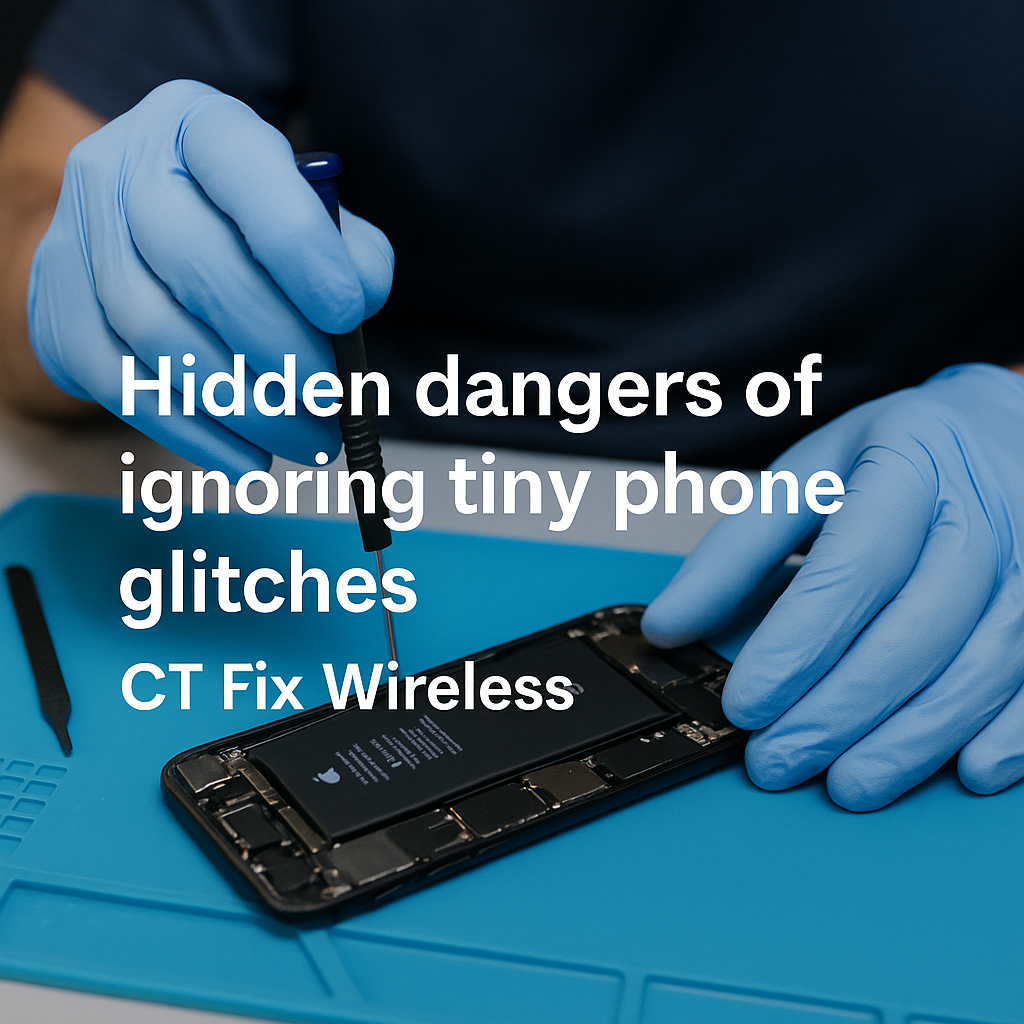
technician repairing phone with small glitch at CT Fix Wireless

Your phone freezes for a second. The screen flickers once. Maybe your charger connects only after twisting the cable a little. You shrug it off—until one day, the device won’t turn on at all.

At CT Fix Wireless, we see it every day: tiny issues that, if caught early, could’ve been fixed in minutes but now require board-level repair. This article explains how small glitches spiral into expensive damage—and how timely service can prevent it.


Section 1: Why “Tiny” Phone Glitches Shouldn’t Be Ignored

Minor issues—like slow charging, flickering displays, or random restarts—signal underlying hardware or software faults. Your device is essentially trying to warn you.

Early Signs You Might Overlook

  • Screen flickering or ghost touches
  • Random reboots or shutdowns
  • Charger not connecting properly
  • Slight overheating during use
  • Unresponsive buttons or lagging touch

Each of these might seem harmless, but behind them could be battery stress, damaged ICs, worn connectors, or moisture corrosion.


Section 2: The Chain Reaction — How Small Glitches Escalate

Let’s break down how neglecting a small problem leads to big repairs:

  1. Flickering Screen → Burnt Display or IC Failure
    That brief flicker can mean voltage instability in the screen’s power circuit. Over time, it damages your display driver or motherboard.
  2. Slow Charging → Charging Port or Battery Damage
    Loose ports or faulty cables cause arcing (tiny electric sparks). This heat weakens the port, melts connectors, and eventually burns the charging IC.
  3. Overheating → Logic Board Short Circuits
    Heat stress weakens solder joints and power chips. Continuous exposure can destroy the PMIC (Power Management IC).
  4. Random Shutdowns → Data Loss & Boot Failure
    When power delivery becomes unstable, files corrupt and storage chips degrade, leading to startup failure.
  5. Touch Lag → Digitizer Failure
    Minor unresponsiveness often points to moisture, glass separation, or IC miscommunication—all of which worsen without repair.

Section 3: Real-World Example from CT Fix Wireless

A customer recently brought in an iPhone XR that restarted randomly once a week. They ignored it for two months until it refused to power on. Upon inspection, our technicians found corrosion spreading beneath the power IC. What could’ve been a $70 cleaning became a board-level IC replacement.

The takeaway? Small glitches compound over time, and the damage extends beyond what’s visible on the surface.


Section 4: Diagnosing the Root Causes of Common Glitches

Here’s what might be going wrong behind the scenes:

SymptomLikely CauseRecommended Fix
Flickering screenDisplay cable or IC damageDisplay replacement or reflow
Lagging performanceSoftware conflict or overheatingSystem cleanup or battery replacement
Battery drains fastPower IC or battery degradationBattery replacement
Charger fits looselyPort wear or debrisCharging port cleaning/replacement
Touch unresponsiveDigitizer malfunctionScreen replacement

Our Instant Quote Widget helps you identify what kind of repair your device might need instantly.


Section 5: The Cost of Delay — Why Early Repair Saves Money

Ignoring small issues doesn’t just increase damage—it also multiplies costs.

  • Immediate Fix: Cleaning or minor part replacement ($).
  • Delayed Fix: Full component replacement or board rework ($$$).

For example:

  • A simple charging port cleaning might cost little. But if corrosion reaches the motherboard, you’ll need an IC re-soldering service.
  • A slightly cracked screen might only affect aesthetics—but over time, it can lead to touch failure and LCD burnout.

By booking an early diagnosis at CT Fix Wireless, you avoid paying for what could’ve been prevented.


Section 6: Preventing Glitches Before They Grow

1. Keep Your Software Updated

System updates patch bugs that cause freezes and crashes.

2. Avoid Cheap Accessories

Low-quality chargers and cables deliver unstable voltage, stressing your ICs.

3. Protect Against Heat and Moisture

Avoid placing your phone under direct sunlight or near humid environments.

4. Regular Device Checkups

Visit CT Fix Wireless for routine inspections. Early detection is the best protection.

5. Replace Worn Parts Promptly

If your screen, port, or battery starts acting up, schedule repair at our iPhone Repairs page for model-specific solutions.


Section 7: Why CT Fix Wireless Is the Trusted Choice

  • Expert Technicians: Skilled in micro-soldering and advanced diagnostics.
  • OEM-Grade Parts: Ensuring every repair matches manufacturer quality.
  • Transparent Pricing: Get clear estimates through the Instant Quote Widget.
  • Comprehensive Services: From minor glitches to motherboard replacements.
  • Customer-Focused Approach: We explain every repair before starting.

If you’re unsure whether your issue needs repair, use our Contact Page or visit the About Us section to learn more about our process.


Section 8: The Long-Term Benefit of Fixing Glitches Early

Timely maintenance extends the lifespan of your phone by 30–50%. It preserves resale value and prevents unexpected breakdowns when you need your device most.

At CT Fix Wireless, our goal isn’t just to repair—it’s to help you maintain your device’s long-term performance and safety.


Conclusion

Those small freezes, flickers, or lags aren’t random—they’re warnings. Ignoring them risks expensive, avoidable damage later. The next time your phone behaves strangely, act early.

Visit CT Fix Wireless or use the Instant Quote Widget for a quick checkup. A five-minute diagnosis today could save you hundreds tomorrow.


FAQs

Q1. Why does my phone lag sometimes?
Lagging can stem from background app overload or early-stage hardware wear. A system cleanup or diagnostic can help identify the cause.

Q2. My charging cable wiggles but still works—should I replace it?
Yes, a loose cable increases resistance and can burn your charging port over time.

Q3. What happens if I ignore a flickering screen?
It can damage your display driver IC, leading to total display failure.

Q4. Can small glitches affect my battery life?
Absolutely. Power regulation errors cause battery stress and reduce lifespan.

Q5. How can CT Fix Wireless help?
We provide precise diagnosis and same-day repair to prevent small problems from escalating.

Disclaimer

This article is for educational purposes only. Always consult a certified repair professional before attempting to fix phone hardware issues on your own.
How to Fix Phone Charging But Battery Not Increasing | CT Fix Wireless

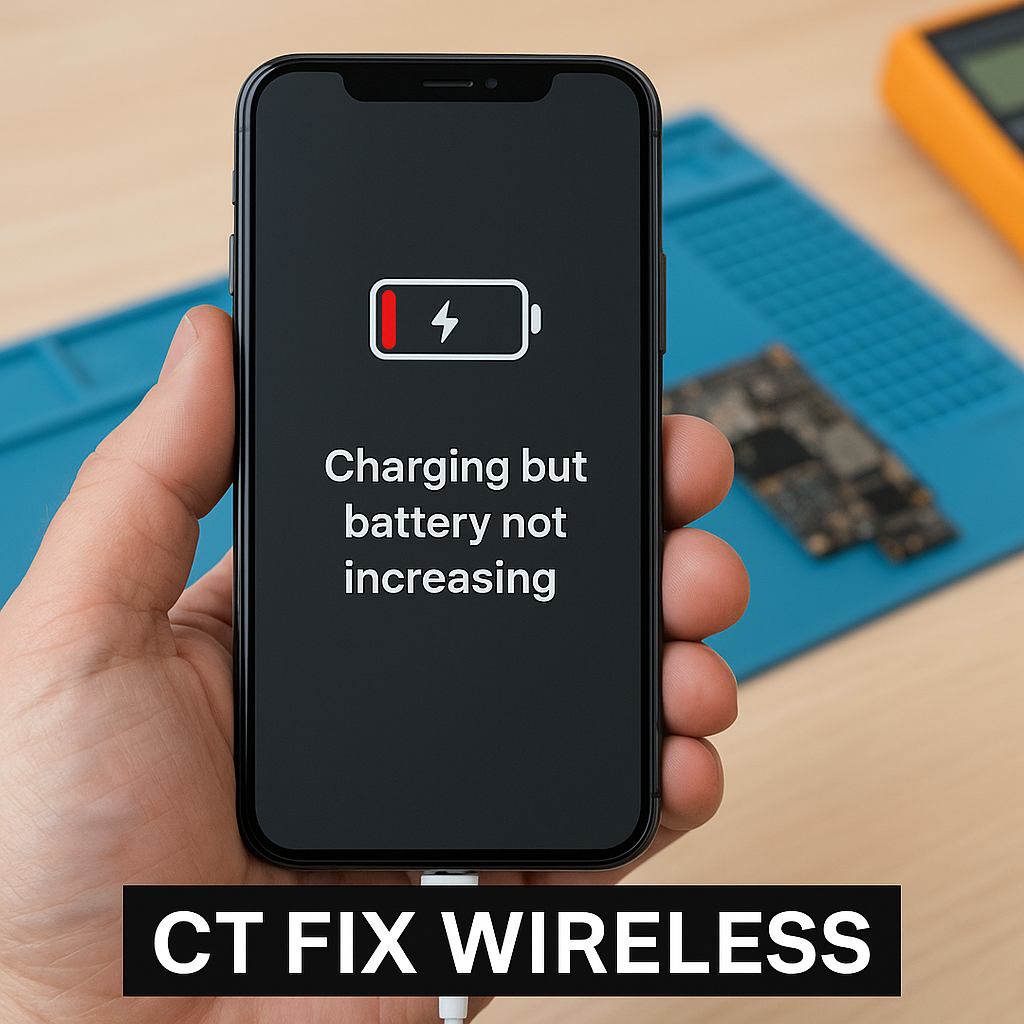
phone charging but battery not increasing repair CT Fix Wireless

You plug in your charger, see the lightning icon, but your battery percentage just won’t budge. Frustrating, right? This issue—where your phone says it’s charging but doesn’t actually gain power—is more common than you’d think.

At CT Fix Wireless, our technicians handle dozens of these “false charging” cases weekly. Whether it’s a failing battery, corroded charging port, bad charging IC, or software miscommunication, we’ll break down how to diagnose and fix this issue in detail.


Section 1: Understanding the Problem — When ‘Charging’ Isn’t Charging

When your phone displays the charging symbol but the percentage remains stagnant (or even drops), it means the charging current is too weak—or not reaching the battery properly.

What’s Really Happening

Your charger delivers power to the charging port → power passes through the charging IC (Integrated Circuit) → IC regulates voltage → power reaches the battery.
If any step in this flow is disrupted, the phone “thinks” it’s charging while the battery doesn’t fill.


Section 2: Common Causes of False Charging

  1. Faulty or Low-Quality Charging Cable
    Cables wear out over time. A damaged wire may pass minimal current—enough to trigger the charging icon but not to increase battery percentage.
  2. Dirty or Blocked Charging Port
    Dust, lint, or corrosion can partially block power flow. This can create intermittent connections that fool your phone into thinking it’s charging.
  3. Weak Power Adapter
    Some third-party chargers output less current than required, especially for fast-charging phones.
  4. Damaged Battery Cell
    Over time, lithium-ion cells degrade and can no longer store charge effectively—even if the input current is fine.
  5. Charging IC or Power Management IC Failure
    The PMIC controls voltage flow from the port to the battery. A damaged IC will cause the device to show “charging” but not transfer energy efficiently.
  6. Software Glitches
    Outdated firmware or corrupted power management data can cause the percentage to “freeze.”

Section 3: Step-by-Step Troubleshooting at Home

Before rushing to a repair shop, try these safe checks:

1. Inspect the Charging Cable

Swap your cable with an original one. If charging starts normally, the old cable is at fault.

2. Clean the Charging Port

Use a soft brush or toothpick to gently remove debris. Never use metal tools—static can damage internal pins.

3. Try Another Charger

Always use a charger that meets your phone’s official wattage. A mismatched adapter can create under-voltage issues.

4. Test with Another Outlet or Power Bank

Sometimes, the problem lies with unstable current flow from your socket.

5. Restart the Device

A simple reboot resets the battery monitoring system.

6. Calibrate Your Battery

Discharge your phone completely until it turns off, then charge it uninterrupted to 100%. This can correct incorrect battery readings.


Section 4: Deep Technical Causes (When DIY Fixes Fail)

If your battery still won’t increase after trying the above, the issue is likely internal.

Charging IC (PMIC) Failure

The Power Management IC regulates current flow. When it malfunctions due to water damage, overheating, or solder fatigue, it causes “ghost charging.”

Repair involves board-level microsoldering—a service best handled by professionals at CT Fix Wireless.

Battery Connector Damage

If the battery connector is loose, the battery won’t receive enough current even if the IC works fine.

Corrosion Under Charging Port

Even invisible corrosion can reduce voltage flow. Our technicians perform ultrasonic cleaning to restore proper connectivity.

Short Circuit in Battery

Some lithium-ion batteries short internally, leading to false readings. In this case, replacing the battery is the only safe fix.


Section 5: How Professionals Fix This at CT Fix Wireless

At CT Fix Wireless, every charging issue undergoes a multi-point diagnostic process:

  1. Initial Voltage Test – Measures charging input from the port.
  2. Battery Health Scan – Determines whether the cell can hold charge.
  3. Charging IC Board-Level Check – Verifies IC functionality and solder condition.
  4. Port and Connector Cleaning – Removes oxidation or buildup.
  5. Full Power Cycle Test – Ensures real charging flow before returning the device.

Depending on the result, we perform:

  • Battery Replacement (for degraded cells)
  • Charging Port Replacement (for damaged connectors)
  • IC Rework (for logic board issues)

You can easily request your repair cost via the Instant Quote Widget and get an accurate model-based estimate.


Section 6: Preventing Charging Problems in the Future

  1. Use Original Chargers Only
    Cheap chargers can cause voltage spikes that damage ICs.
    Visit Buy and Sell to find certified accessories.
  2. Avoid Charging Overnight
    Continuous trickle charging stresses the IC and battery.
  3. Keep Charging Ports Dry
    Humidity and condensation cause corrosion over time.
  4. Regular Maintenance Checks
    Schedule a diagnostic visit at CT Fix Wireless to ensure your device’s battery health stays optimal.

Section 7: Real Case Example from CT Fix Wireless

A customer brought in a Samsung Galaxy A52 showing the charging symbol but stuck at 34%. Our team discovered a corroded charging IC caused by humidity exposure. After board-level rework and reflowing solder joints, the phone began charging normally again.

This demonstrates how “battery not increasing” is often not a battery issue—but an electrical management one.


Section 8: Why Choose CT Fix Wireless for Power Issues

  • Certified Technicians – Trained in microsoldering and board-level repair.
  • OEM-Quality Parts – Every battery and IC meets manufacturer standards.
  • Quick Turnaround – Most repairs completed same-day.
  • Transparent Pricing – Get an Instant Quote before visiting.
  • Customer-First Service – See full details on our About Us page.

Conclusion

A phone showing “charging” but not gaining battery power often signals deeper hardware or power IC issues. Quick home tests can help, but lasting fixes usually require professional expertise.

For reliable diagnosis, visit CT Fix Wireless today or book your repair via the Instant Quote Widget to get your device charging like new again.


FAQs

Q1. Why does my phone show charging but the percentage doesn’t move?
It could be a faulty cable, weak adapter, battery damage, or internal IC malfunction.

Q2. Can I fix this issue at home?
You can try cleaning the port, changing the cable, and restarting. For IC or board issues, visit CT Fix Wireless.

Q3. How do I know if my battery needs replacement?
If your phone shuts down early or takes too long to charge, check it through our diagnostics service.

Q4. Is this problem dangerous for my phone?
Yes, prolonged undercharging can overheat circuits or shorten battery lifespan.

Q5. How can I prevent this from happening again?
Use certified chargers, keep ports clean, and avoid moisture exposure.

Disclaimer

This article is for educational purposes only. Attempting power IC or charging circuit repairs at home can cause further damage. Always seek professional repair assistance from certified technicians.

How to Fix a Phone That Loses Touch Response | CT Fix Wireless

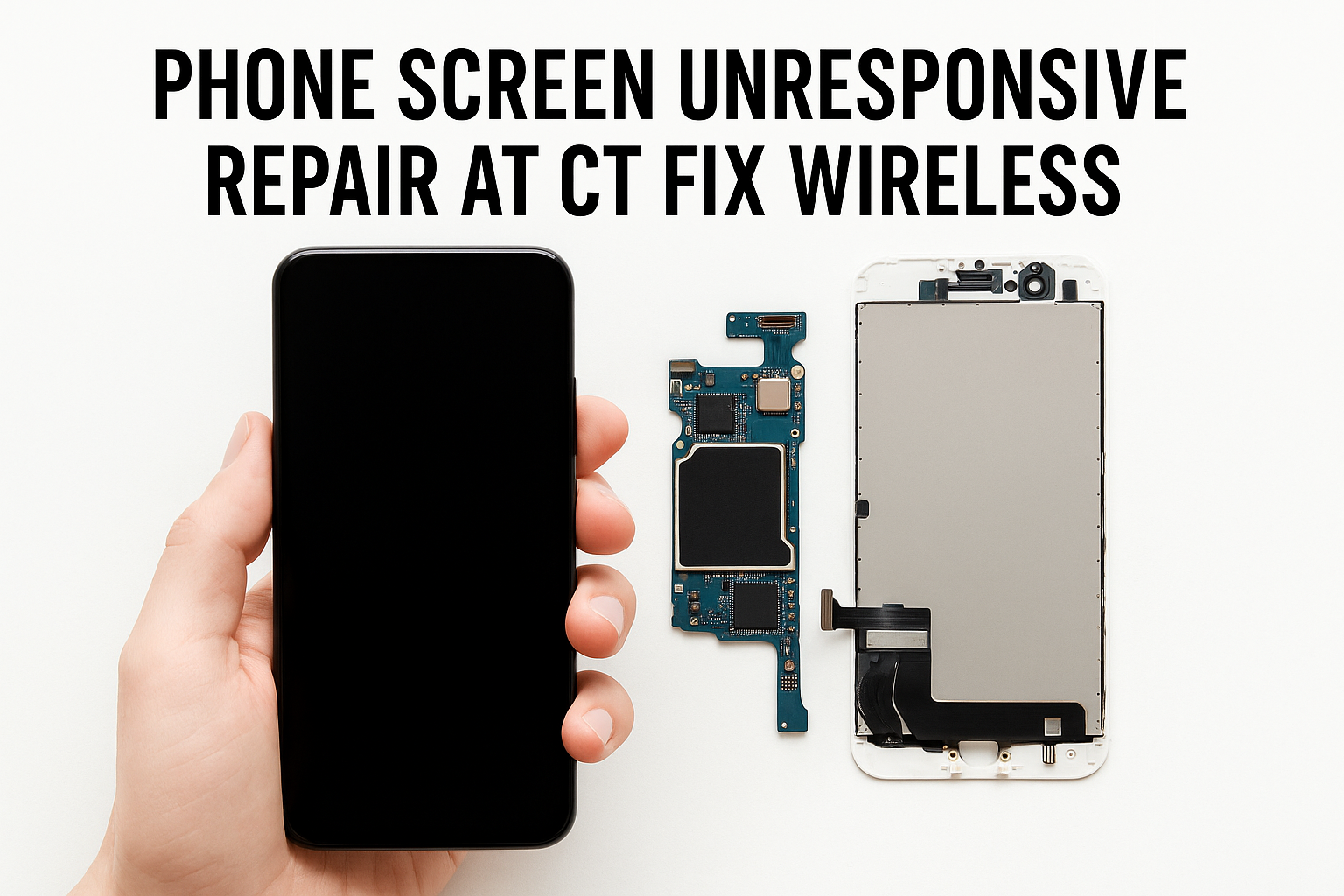
phone screen unresponsive repair at CT Fix Wireless

Few things are more frustrating than when your phone suddenly stops responding to touch. You tap, swipe, or pinch—and nothing happens. Whether it’s a frozen digitizer, a loose Screen IC connection, or moisture sneaking under the glass, touch failure can make your device nearly unusable.

At CT Fix Wireless, our repair specialists handle dozens of touch-related cases every week. This guide breaks down the exact causes behind random touch loss and how to fix it safely.


Section 1: Understanding Touch Response Failures

What Is the Digitizer?

The digitizer is a thin, transparent layer that converts your finger taps into digital signals. It sits between the glass and the display. When it malfunctions, your phone can show an image perfectly but ignore your touch inputs.

What Is the Screen IC (Integrated Circuit)?

The Screen IC is a tiny chip on the logic board responsible for interpreting signals from the digitizer. If it becomes loose or overheated, the device may register touches incorrectly—or not at all.

How These Components Work Together

Both parts must function together. The digitizer detects your movement, while the Screen IC interprets it. Damage or a bad connection anywhere along this chain results in lost touch response.


Section 2: Common Causes of Random Touch Failure

  1. Physical Damage
    Drops, cracks, or pressure can sever digitizer connections. Even small hairline cracks may lead to unresponsive zones.
  2. Moisture or Liquid Ingress
    Tiny amounts of moisture under the glass or on the motherboard can short the digitizer circuit, causing intermittent touch problems.
  3. Faulty Screen IC
    Over time, heat cycles weaken the solder joints under the IC. The result: ghost touches, freezing, or total loss of responsiveness.
  4. Software Bugs or System Lag
    Some touch issues come from overloaded firmware. Corrupted cache files or incompatible updates can mimic hardware faults.
  5. Low-Quality Replacement Parts
    Cheap third-party screens often lack precision manufacturing, causing poor sensitivity or inconsistent performance.

Section 3: Diagnosing the Root Cause

Step 1 — Observe the Pattern

Does the touch stop working only after charging, gaming, or exposure to heat? Noting the pattern helps determine if it’s thermal, hardware, or software-related.

Step 2 — Run a Screen Test

Most phones include hidden diagnostics (e.g., Android → Dial #0# → Touch Test). This reveals dead zones or partial digitizer failure.

Step 3 — Restart and Check Safe Mode

Booting in safe mode disables third-party apps. If the touch works fine there, a background app or UI overlay is the culprit.

Step 4 — Check for System Updates

Pending updates often contain touchscreen driver fixes. Keep your device firmware current.

Step 5 — Look for Signs of Physical Damage

Tiny cracks, lifted screens, or swelling batteries all affect the digitizer. Examine edges carefully before assuming a logic-board problem.


Section 4: Practical Fixes You Can Try

1. Clean the Screen Surface

Use a microfiber cloth slightly dampened with 70% isopropyl alcohol to remove oils and debris. Dirt can block capacitance, leading to false touches.

2. Remove Screen Protector or Case

Some protectors interfere with sensitivity. If removing it restores response, switch to a thinner, compatible one.

3. Perform a Soft Reset

Holding the power and volume-down buttons for 10 seconds clears temporary memory and resets touch drivers.

4. Calibrate Touch Settings

In “Accessibility → Touch Sensitivity,” recalibrate to restore accuracy.

5. Factory Reset (Last Resort)

If software corruption persists, back up data and perform a reset. Persistent failure afterward means a hardware fault.


Section 5: When the Problem Is Hardware

If none of the above works, the digitizer or Screen IC may need repair. Here’s what each entails:

Digitizer Replacement

A professional technician removes the cracked glass and installs a new OEM-grade panel using heat separation tools and adhesive frames.

Book a repair directly through CT Fix Wireless Instant Quote Widget for an accurate price estimate.

Screen IC Rework or Replacement

This complex procedure involves microsoldering—a process only certified technicians should perform. The IC chip is carefully removed, cleaned, re-balled, and resoldered under a microscope.

If you suspect this issue, schedule service via iPhone Repairs Page or our Other Device Repairs section for Androids and tablets.


Section 6: Preventing Future Touch Problems

  1. Use OEM Parts Only
    Avoid third-party screens. OEM parts maintain correct digitizer sensitivity.
  2. Avoid Excessive Heat
    Keep devices away from direct sunlight and gaming heat buildup.
  3. Invest in a Quality Case
    Shock-absorbent edges protect against impact.
  4. Dry Devices Immediately
    If the phone gets wet, power it off and bring it for Professional Inspection.
  5. Get Regular Maintenance
    Routine checkups at CT Fix Wireless ensure all components remain in optimal condition.

Section 7: Real-World Case Example

A client brought in an iPhone 12 Pro Max that randomly froze mid-scroll. Diagnostics revealed a partially detached Screen IC. After re-balling and resoldering, touch accuracy returned to normal—proving that even “random” failures often trace to a precise hardware cause.

Such precision repairs require training, equipment, and experience. DIY attempts can easily damage nearby circuits, costing more in the long run.


Section 8: Why Choose CT Fix Wireless

At CT Fix Wireless, we combine advanced diagnostics, quality OEM parts, and same-day service. Whether it’s a faint ghost-touch or complete digitizer failure, our team can identify the issue quickly and repair it efficiently.

Explore our Buy and Sell Devices program if you decide upgrading is a better option. You can trade in your old device for credit toward a new one.

Learn more About Us or contact the nearest location through the Contact Page for personalized help.


Conclusion

A phone that randomly loses touch response isn’t just inconvenient—it signals an underlying issue with either the digitizer or Screen IC. Early diagnosis prevents permanent damage. Start with simple cleaning and calibration, but if the problem persists, seek professional repair from CT Fix Wireless.

Timely service not only restores smooth operation but also extends your device’s lifespan and performance.


FAQs

Q1. Why does my phone screen stop responding randomly?
This usually happens due to a faulty digitizer, loose Screen IC, or moisture intrusion. Software glitches can also cause temporary unresponsiveness.

Q2. Is it safe to keep using my phone if the touch stops occasionally?
Intermittent touch loss often worsens over time. Continuous use may further damage the connectors—getting it checked early is safer.

Q3. Can software updates fix touch response issues?
Yes, if the cause is firmware-related. Always install official updates before assuming hardware failure.

Q4. How much does digitizer or Screen IC repair cost?
Prices vary by model. Use the Instant Quote Widget to get an accurate, model-specific estimate.

Q5. Does CT Fix Wireless offer same-day touchscreen repair?
Yes, most digitizer replacements are completed within the same day, depending on part availability.

Disclaimer

This article is for informational purposes only. Repairing logic-board components or Screen ICs should be performed by qualified technicians. Always back up your data and consult professional repair experts before attempting any DIY hardware fixes.